

INSTRUCTIONS FOR VIEWING THE SCHEDULE
IMPORTANT!
PLEASE READ ALL OF THE INSTRUCTIONS TO VIEW THE SCHEDULE!
STEP 1: CLICK HERE TO ACCESS THE GYMMASTER ONLINE LOGIN
STEP 2: ENTER USERNAME - prolificguest@gmail.com
STEP 3: ENTER PASSWORD - Schedule20!
The schedule is view only. You will be able to view the complete schedule using this account, but you will not be able to edit anything. To book a rental, you will need to use our Gym Rental page.
SEE BELOW FOR INSTRUCTIONS ON LOCATION VIEWING
STEP 2
STEP 3
TO CHANGE THE LOCATION YOU ARE VIEWING:
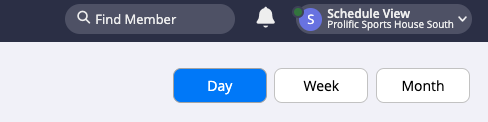
STEP 1: Click on the upper-right of the page where it shows “S Schedule View” with a dropdown arrow (as shown in the picture below).
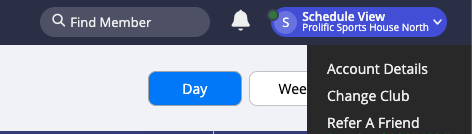
STEP 2: Click on “Change Club”.
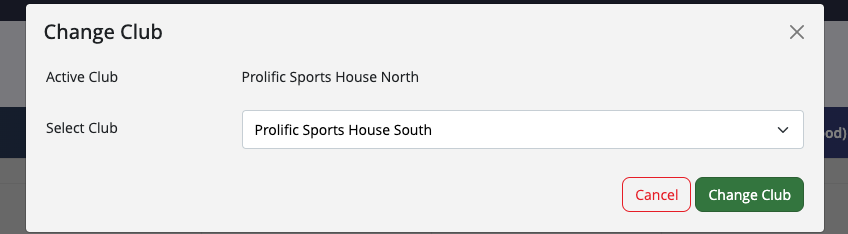
STEP 3: Confirm by clicking “Change Club” again.